 |
| The Arch Linux Logo |
History & Principles
The Arch Linux project was started by Judd Vinet in his attempt to create his own ideal distribution. He wanted to make a lightweight and simple system aimed at power users. Note that "simple" does not mean "newbie friendly", instead it means that the system is structured in such a way that a user can easily configure it to his liking by changing simple configuration files and installing just what he needs. No place for automatic configuration or GUI tools in Arch.
That means the system is highly configurable and the config files are simple in structure and easy to find in contrast to many of the other distributions out there.
Features
Arch installs a base Linux system, and then the user can configure it and expand it depending on his needs. It uses the pacman package management system written by Judd Vinet himself and has -like the most distros out there- its own repositories filled with many useful programs.
Its most unique feature in my opinion is the rolling update system it uses. To help you understand, think of another distro, Ubuntu for example. Ubuntu releases a new version of their distro every six months. Between their releases no new features get shipped, just bug and security fixes. They also need to release each program for a specific version of their distro, for example the mplayer package for 6.06 does not work in 7.04. That fact forces most users to constantly update their Ubuntu installation to a new "release", something that is neither trouble free all the times nor fast (a whole update could need up to 600MB of files and take over an hour).
Arch in the other hand takes a completely different approach. When a program is updated upstream, after some testing it is immediately provided to the users in the Arch repository. The ISO images are just a snapshot of what is in the repository at the time. The rolling update system means a user never has to do any kind of "dist-upgrade" to get the latest and greatest software. In fact, after your first Arch installation a simple "pacman -Syu" command will always keep you up to date.
One other unique feature is ABS, the Arch Build System. It is based on PKGBUILD files that contain all information about compiling a package. Besides easily compiling any package in your system, ABS also allow the easy contribution by the community, as a simple 1KB text file can be used to download and compile any software. Note that you don't have to use ABS in order to install stuff in Arch, it is just a useful tool that can help making the compile process very easy.
My experience with Arch
Installation
I downloaded the latest 2007.08 ISO, codenamed "Don't Panic". The CD boots into an installation / recovery system. To install Arch you can just type /arch/setup and the installer will come up. I found the Arch installer simple and straightforward, but you have to be pretty experienced with Linux to figure out what to do. If not, check out the official installation guide that will help you through the process. I installed a base system, configured the kernel and installed Grub. That was all done in less that 15 minutes.
Configuration
After installation all you will get is a Linux prompt. Using the excellent wiki, I configured my network, installed X.org, nVidia drivers and Alsa and decided to install Gnome among the programs I usually prefer. Note that there is a very good tweaked version of KDE for Arch called KDEmod which I hope to install in the future. After fetching the needed packages using pacman and making the necessary configuration changes I was able to start Gnome. Note that as Arch tries to be as simple as possible it does not make any disto-centric changes to Gnome or other desktop enviroments so what you'll see will be the default desktop without any eye candy. So I quickly installed some themes from Gnome-Look.org, conky (never forget conky!) and Compiz Fusion from the custom Arch repository to get something aesthetically pleasing:
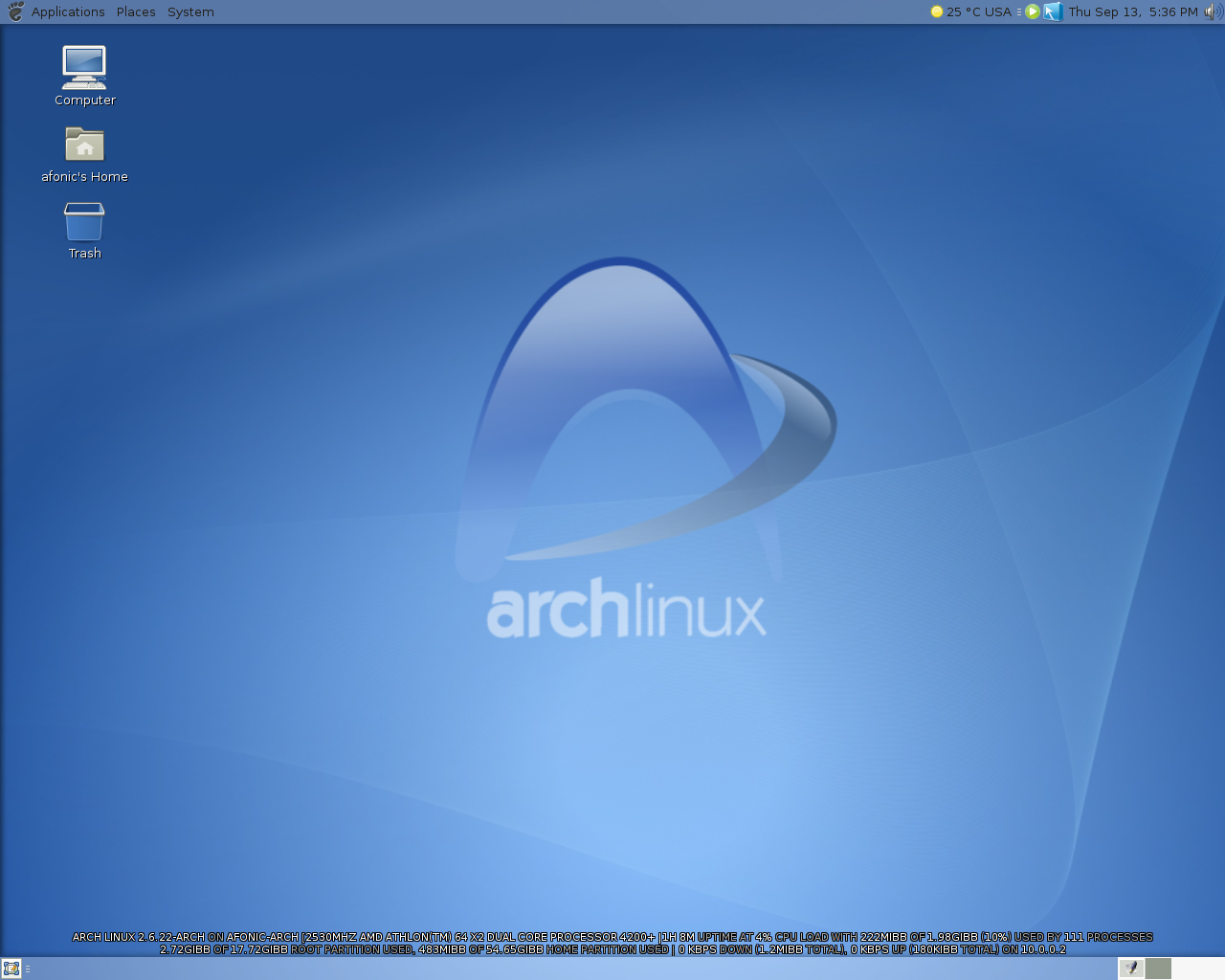 |
| This is my Arch desktop after installing Gnome and adding some Arch art, conky and Compiz-Fusion. (click for full size image) |
Installing your favorite programs is very easy. Flash player, drivers, restricted codecs are all in the pacman repositories and installing them is as simple as a "pacman -S package" command. In the case that something that you need is not in the repos, try the very rich AUR (Arch Users Repository), there are pretty good chances you'll find it there.
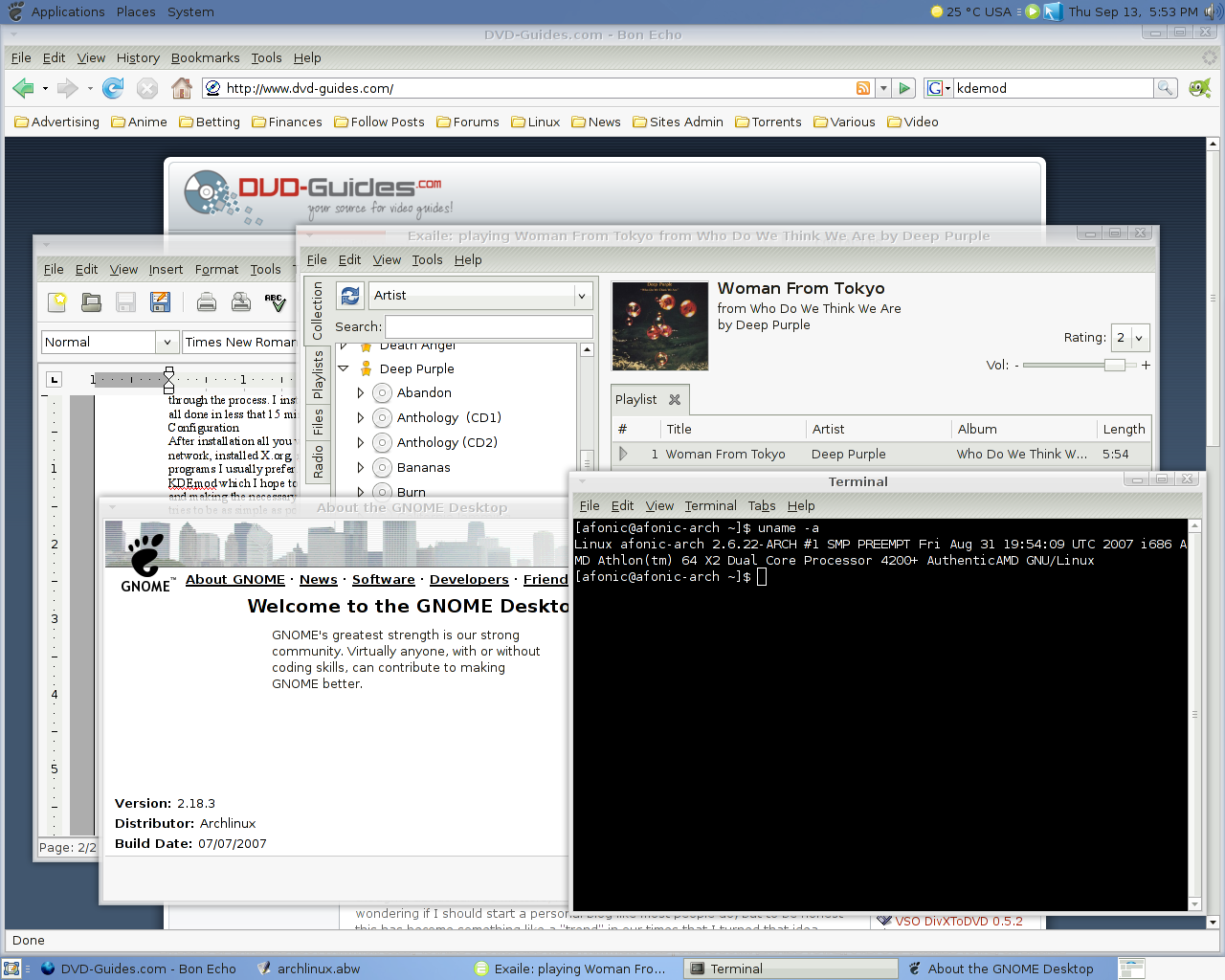 |
| After about an hour I had a working Gnome desktop, with Compiz Fusion, Firefox, Flash, Exaile, Abiword and many other programs. (click for full size) |
Opinion
What I learned from Arch is that configuring your system exactly for the hardware you have and customizing to your needs manually is very important. It also keeps the bloat away. Why install Xorg drivers for dozens of card when you just have an nVidia?
I found out that my PC works better with Arch than what with any other distro. It is faster - much faster- and it seems to be more stable as well, while being on the bleeding edge. It may sound weird but many of the problems I had before with Ubuntu or Fedora, like support for my new GeForce 8800GTS and 5.1 audio not working 100% correct, are corrected in Arch after I did the manual installation *once*. And the reason for this is the amazing, simple design of Arch that lets you configure even the last little detail in your system in an easy to understand way. It helps you understand why it works that way, not just copy paste commands or install packages and hope to get everything working.
Conclusion
As I've said before I am a rather old Linux user, so I didn't expect to get easily impressed from a distro. Well guess what, I am! Arch is an excellent distribution I'd recommend to just about everyone that likes to get his hands dirty and has at least some experience in Linux.
It keeps the simple methodology that Slackware has but presents it in a more easy, decent way.
It is not a distro for absolute beginners, it does not promise a dozen features "out of the box" but once you get it rolling you'll be rewarded with an amazing distro. Trust me you'll love "the Arch way"!