

Sometimes you need to rip your DVD
to the hard disk, because there is a protection you want to bypass for some
reason, or because you are facing problem with using the DVD with DVD Shrink,
DVDx or other program. Well a very good way of doing this job is SmartRipper!
Before you start download SmartRipper here, and make
sure you have 6-9GB of free space at your disk! Let's Go!

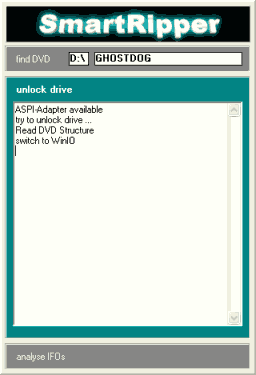 |
With the DVD already in the drive start SmartRipper and wait some seconds (screen above) for the program to unlock your drive. |

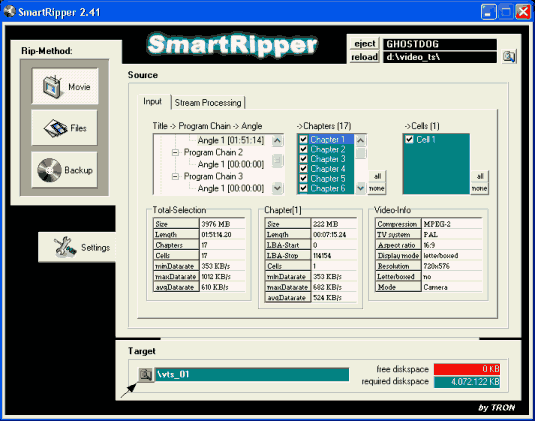 |
Now select the icon highlighted to select the target directory where the files will be stored. Select the directory you want and click Save. |

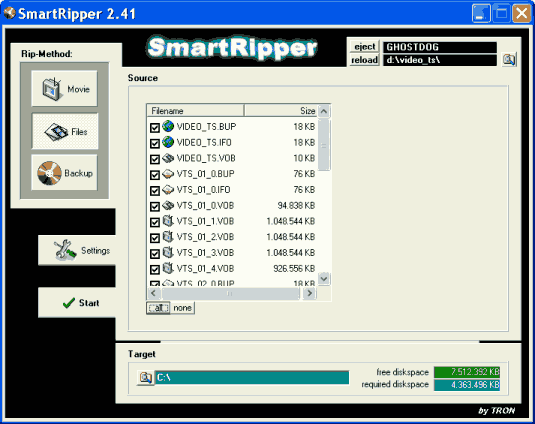 |
Now click Files and be sure that all the files are selected. If they are not click the small All button under the list. Now click at Settings. |

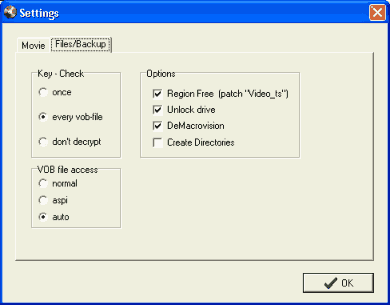 |
Click on Settings and be sure everything is like shown here. Now click on Movie. |

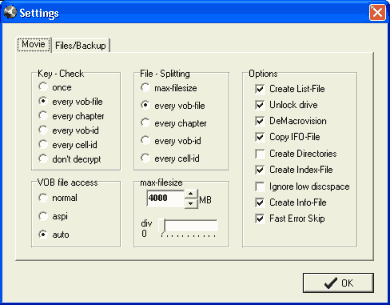 |
Also make sure the settings are the same as in this picture. Click OK. |

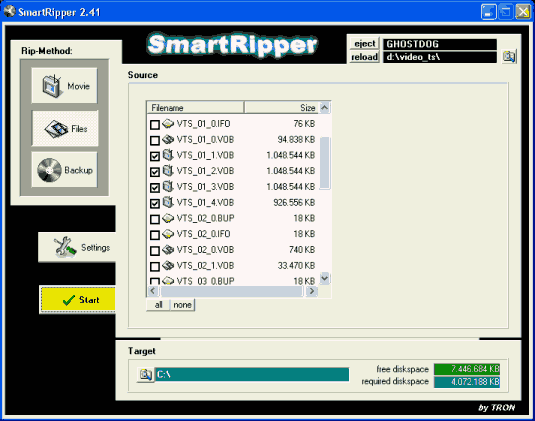 |
Finally click Start to start the ripping process. |

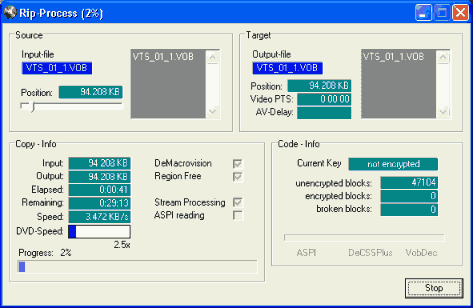 |
It should look like this. The Rip-Process should take from 30 minutes to 1 hour. Well done! |
Comments
It ripped the music in a different format on my Computer and I want to burn ir to the CD but I don't know how to.
It ripped the music in different format and want to burno ir to the CD but I don't know how to.
Make sure you have a dvd in the drive before opening smartripper. Also make sure there is no cd in the cd drive if you have 2 drives.
Open the dvd to the menu screen with a player and leave it open. This should be all you need to do to unlock the disc.
thanks