

This guide assumes that you have a Mac capable of playing back DVDs and are running OS X. It also assumes you have already installed Handbrake per the instructions.

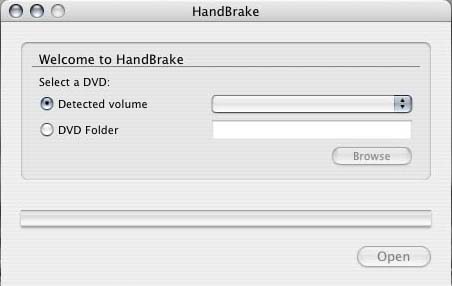 |
Open Handbrake. You will now see the main window offering you the choice of using a DVD or a DVD folder. |

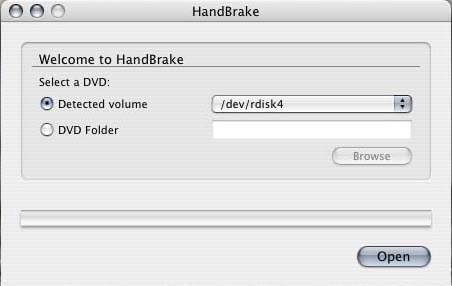 |
Now, insert your DVD into your Mac and play it briefly in Apple's DVD Player to authorize the disc. (Sometimes this helps the disc to copy without errors.) The disc will then show up in the Handbrake main menu under "Detected Volume". If you are using a DVD folder instead, select "DVD Folder" and then click the browse button to locate the appropriate folder. |

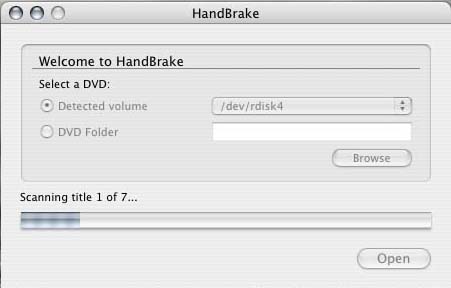 |
Click "Open" and Handbrake will analyze the DVD or DVD Folder. |

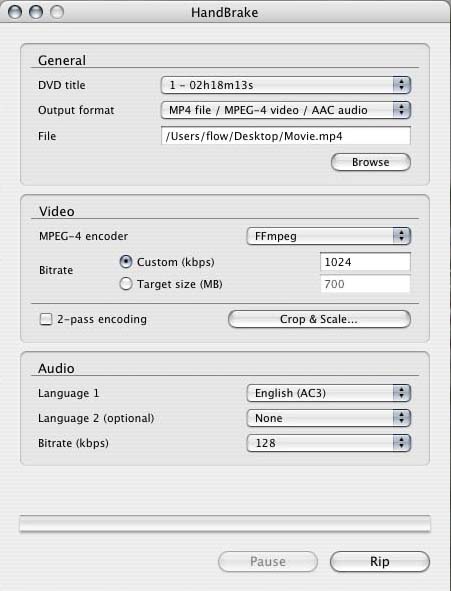 |
When done, you will then be presented with a new window offering you choices on how you want the movie and it's audio compressed and where to send the final output movie. From here, you will need to configure the type of movie you want Handbrake to produce. If you wish to remove the letterboxing black bars or want to resize your movie, click the "Crop & Scale" button now. |

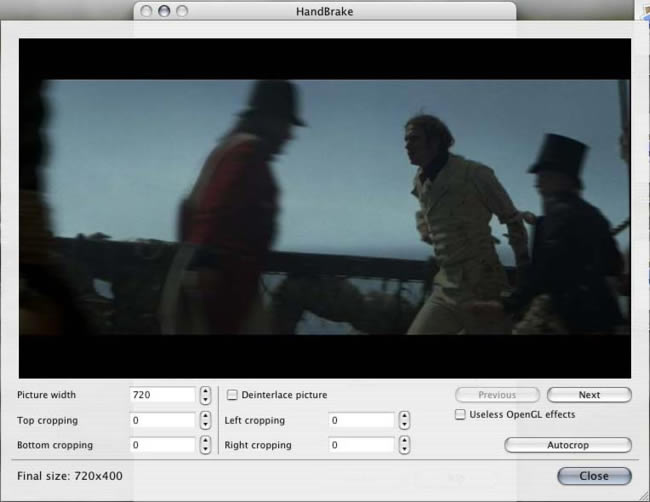 |
If you click "Autocrop", it will automatically crop around any letterboxing black bars for you, giving you a clean movie. Otherwise, you can set the width, how much cropping etc here. When done, click "Close". |

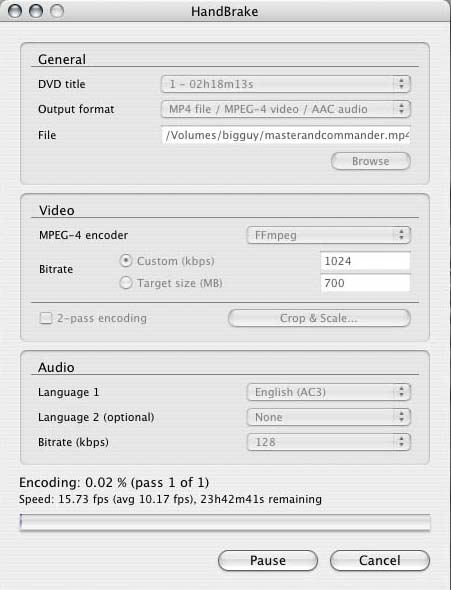 |
Now we are ready to start processing the movie. Click the "Rip" button you saw in step 4 and Handbrake will now start working on your movie. This will take a while depending on the speed of your computer and how big the movie you are processing is. |

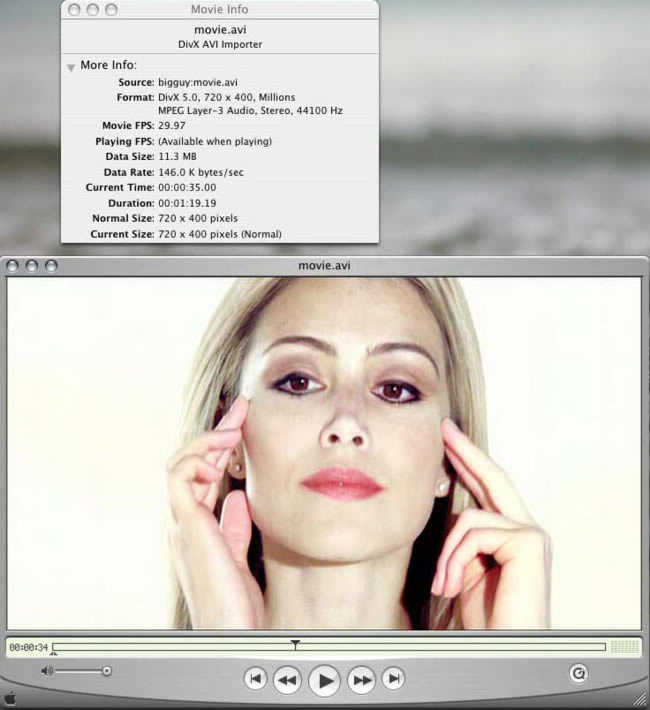 |
When it finishes, you will now have a MP4 movie ready for backing up, or watching on your computer. For more information on Handbrake, visit the Handbrake website and make sure to visit our forums in the Mac section for help with Handbrake as well. |
This guide © hornswaggler502 2004
Comments
Are there any with better quality, yeah but they are harder to use (if you want all the feature's Handbrake offers)
Handbrake is the middle ground it's easy to use with quality output, and it is stable software.
If you need support just visit the website, (or other website about video encoding). They have a wiki, FAQ, IRC, and Forums. Who ever said "no support" did look for support. Of course the way he was pushing another product in his message made it quit obvious he was just bad mouthing handbrake to convince people to use his advised product over handbrake.